


Wacom Color Manager Powered by X-Rite
Wacom Color Manager Powered by X-Rite
SKU:EODIS3-DCWA
Couldn't load pickup availability
Wacom Color Manager
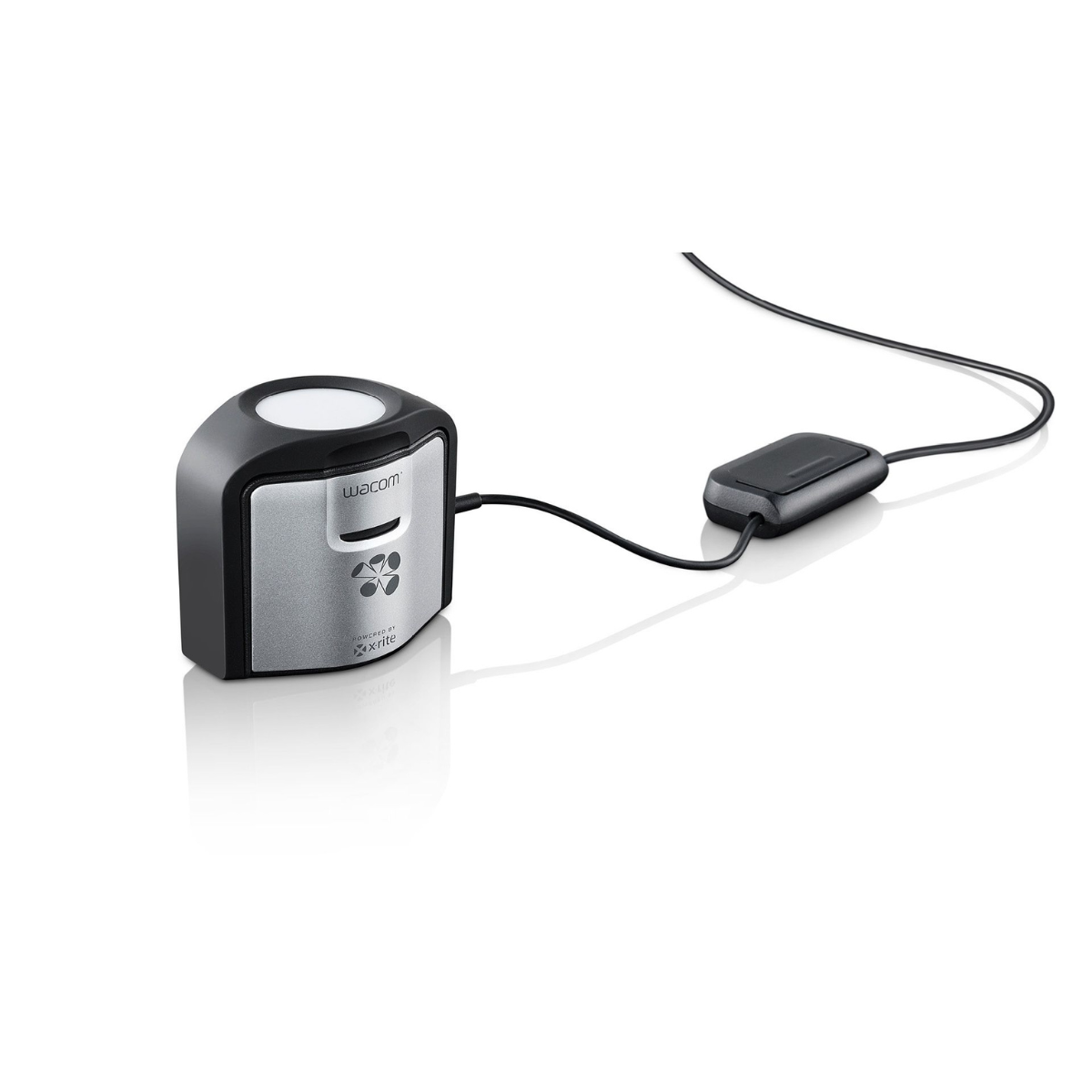
As every artist knows, sharing and reproducing color can be quite frustrating, as colors can look very different from one monitor, display or projector to another or when output as photos, prints, or in animation and video. Luckily, the Wacom® Color Manager (includes the Wacom Calibrator hardware and custom Wacom Profiler software) can help take the mystery and complexity out of color management and make sure that colors on your displays and in your finished work reproduce exactly as you intend and look true-to-life on all your devices. Eliminate guesswork, create a color safe environment and attain color accuracy on all displays and final outputs with the ultimate color management solution for artists, photographers and designers.
Find Your True Colors – with Wacom Color Masters
Renowned color masters around the globe share their color expertise with Wacom –and with you: Sign up and delve into Kevin O’Connor’s comprehensive guide to color management, study color theory and composition with retouching expert Natalia Taffarel, and learn how to achieve best colors with the Wacom Color Manager.
Perfect Colors on Every Display – with the Wacom Color Manager
Great digital art requires color calibration. The Wacom Color Manager provides artists with the calibration software and hardware to ensure absolute best color results on every display


Video
PRODUCT FAQ
What are the improvements on Huion Inspiroy 2 series of drawing tablets?
Huion Inspiroy 2 S/M/L is the industry's first drawing tablet to combine an attractive appearance with an innovative Scroller. In addition, it comes with a new battery-free pen powered by Huion PenTech 3.0 technology. Whether you are a beginner or a professional, this tablet series will meet your needs. And the sheet clearly shows you the improvements on Inspiroy 2.
Is it only for drawing or can I use it with other software?
It can replace a computer mouse and be used for image editing, illustration, animation, graphic design, annotation, online learning, remote working with most creative software as well as many online learning applications and platforms on PC and Mac.
How to know if my mobile phone or tablet is compatible with this tablet?
Your phone or tablet must be equipped with Android 6.0 or above and should have an OTG function. If you are not sure, please consult our customer support team for further information.
What do the marks on the tablet surface mean?
The four right angle marks around the corners indicate the working area or active area of the drawing tablet for PC Mode.
Featured collection
-
Example product title
Regular price Rs. 19.99Regular price -
Example product title
Regular price Rs. 19.99Regular price -
Example product title
Regular price Rs. 19.99Regular price -
Example product title
Regular price Rs. 19.99Regular price